
Visual Linux Crontab & Scheduled Jobs
Stop making syntax errors in crontab -e. Build, test, and schedule server tasks with an intuitive visual generator, human-readable previews, per-user crontab switching, and live log tracking.
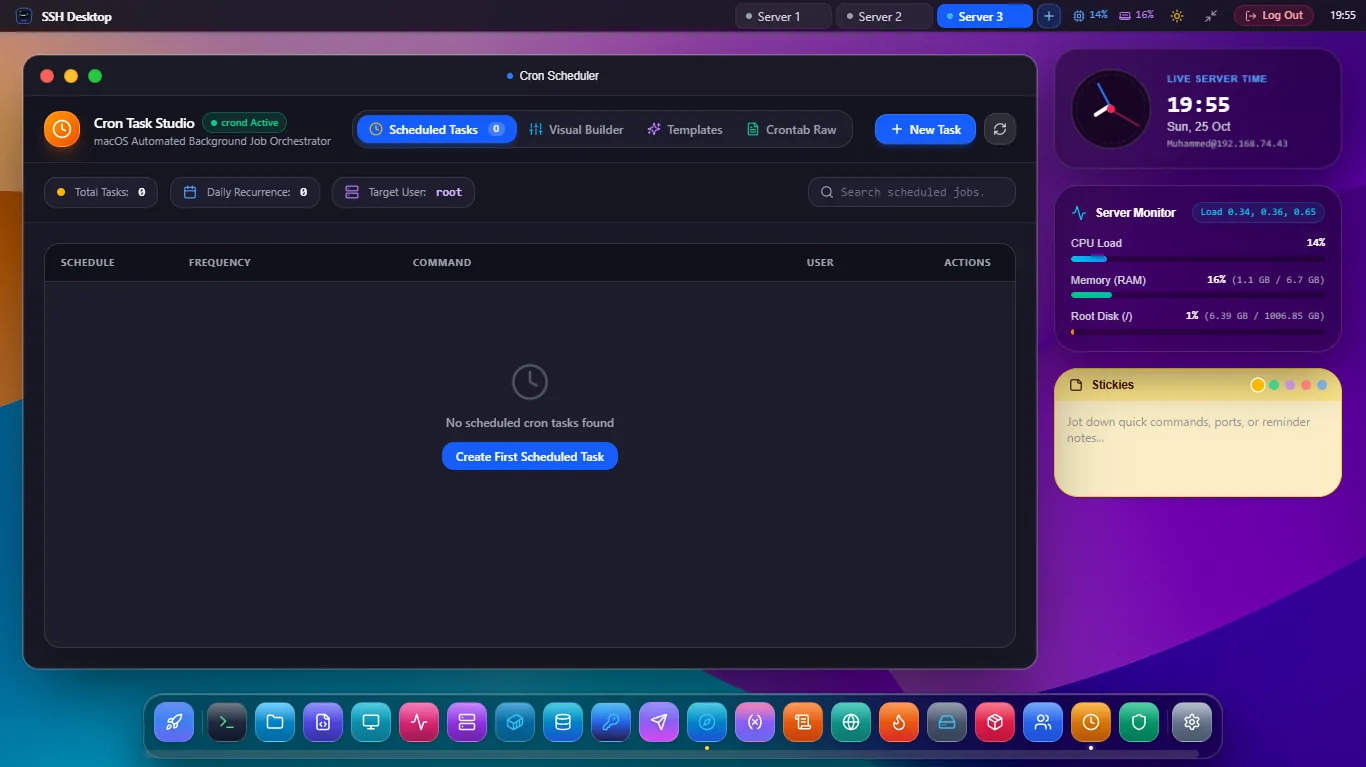
Bulletproof Scheduled Job Management
Human-Readable Builder
Pick friendly intervals ("Every 2 hours", "Daily at midnight", "Weekdays at 9 AM") and watch the 5-field cron syntax update with next-execution timestamps.
Instant Dry-Run Testing
Test your script execution in 1 click before scheduling. Verifies execution environment, environment variables (PATH), and exit code 0 status.
Automated Log Redirection
Automatically configures stdout/stderr redirection (>> /var/log/cron.log 2>&1) and opens the built-in log viewer to review output history.
Classical Cron vs. SSH Desktop Visual Builder
| Desired Schedule | Standard Cron Syntax | Next Run Example | SSH Desktop Visual Preset |
|---|---|---|---|
| Every 15 Minutes | */15 * * * * |
12:15, 12:30, 12:45, 13:00 | Interval: Every 15 min |
| Nightly Database Backup | 0 2 * * * |
Every night at 02:00:00 AM | Daily → Time: 02:00 AM |
| Weekly Sunday Cleanup | 0 3 * * 0 |
Every Sunday at 03:00:00 AM | Weekly → Sun → 03:00 AM |
| Server Reboot Trigger | @reboot |
Once on system bootup | Trigger: System Startup |
Frequently Asked Questions
Why do cron jobs fail in terminal but work interactively?
Cron runs in a minimal non-interactive shell with a stripped PATH (often missing /usr/local/bin). SSH Desktop automatically alerts you if a command uses binaries outside the default cron PATH and lets you inject explicit environment variables.
Can I temporarily disable a cron job without deleting it?
Yes. A simple switch toggles the job on or off by commenting out the entry (prepending #) while preserving your full command and schedule for later reactivation.
Does it support modern systemd timers as an alternative to crontab?
Yes! You can choose to export any scheduled task as a native systemd.timer unit linked to App 7: Systemd Services Manager for microsecond accuracy and journal logging.
Never Miss a Scheduled Task Again
Download SSH Desktop for Windows, macOS, or Linux. Free and open source with 25 built-in server administration tools.